Understanding n8n: A Plain-Language Breakdown

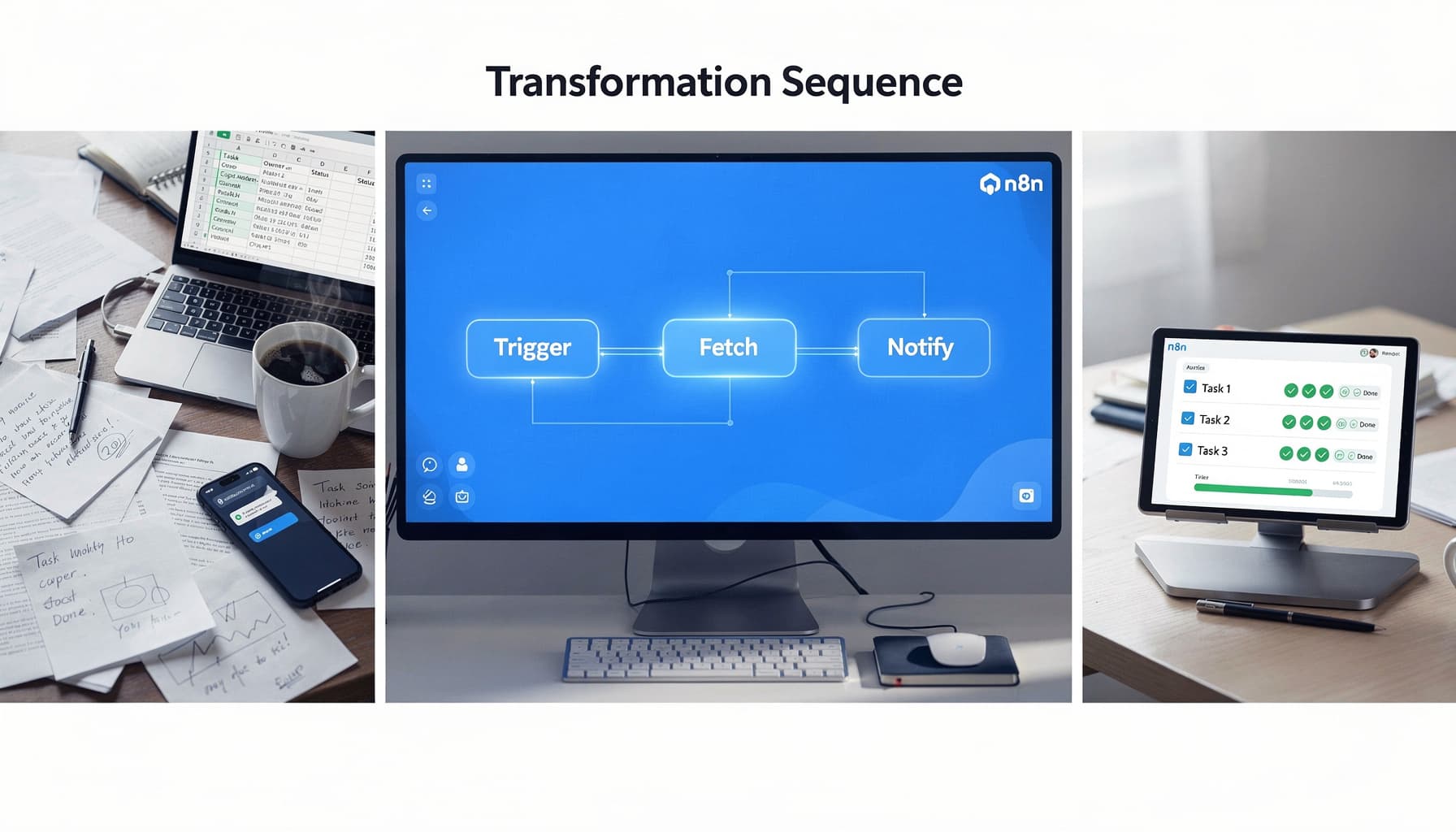
Table of Contents
Most automation solutions struggle with flexibility, but n8n offers a unique balance of open-source accessibility and robust functionality without the need for coding. If you're constantly switching between apps and manually entering data, you'll appreciate how n8n takes those repetitive hand-offs and turns them into automated flows that just run. It's a solution geared towards businesses needing streamlined integrations and custom workflows. Continue reading to discover how n8n simplifies complex automation tasks.
At SynkrAI, we have built 541+ production n8n workflows for 19+ companies across multiple industries.
What Is n8n?
If you're juggling SaaS tools, spreadsheets, and manual copy-paste steps every day, n8n is the "connective tissue" that turns those repeatable tasks into one automated workflow you can run on a schedule or trigger in real time.
n8n is particularly valuable for those handling sensitive customer records or operating under strict compliance requirements, given its self-hosting option. It stands out for its developer-friendly features while maintaining a visual interface usable by non-developers, making it a rare breed in the automation space.
I remember setting up a healthcare client's patient intake workflow where 3 different tools weren't talking to each other, and the front desk was manually copying data between them 40+ times a day. Once we connected everything in n8n, that entire process disappeared from their daily task list by the end of the week.
n8n shines when APIs change mid-project or unexpected data formats break other tools entirely, because you can get into the actual node logic and fix it without rebuilding from scratch.
Expert Note: Using the n8n self-hosted deployment with encrypted credentials storage is essential for companies needing to comply with GDPR or similar data protection standards.
Key Takeaway: Deploy n8n on your own infrastructure if you require strict control over customer data access.
How n8n Works: Visual Automation Without the Code Jargon
n8n eliminates the complexity of API documentation and coding by letting users build workflows visually. You place nodes on a canvas, each representing a distinct action like "Trigger," "Fetch," or "Notify," and suddenly automating processes feels less like engineering and more like drawing a plan on a whiteboard. No extensive coding background required, and when you need complex logic, it handles that too.
The node-based approach lets you transform raw data without patching things together with fragile scripts. Your automations stay flexible enough to absorb changes without breaking mid-run.
Nodes are the connectors that keep your apps talking to each other through structured data. A normalization node keeps that data consistent, which matters more than most people realize until something breaks at 2 AM. I once helped a B2B SaaS team in India clean up their intake process by adding a single normalization step before their CRM handoff, and they cut duplicate records by 40% inside the first month.
Expert Note: Adding a "Set" node before major branch splits lets you format data types consistently, cutting integration errors between tools like CRMs and ERPs.
Key Takeaway: Always validate and normalize your data before pushing it into critical systems through n8n workflows.
n8n Features Explained in Plain Language
n8n's design focuses on three main features: the visual workflow builder for process clarity, AI assistance for speedier building, and data pinning for reliable debugging. These features work for non-developers and technical users alike, meeting both sides where they are.
The Visual Workflow Builder gives you drag-and-drop nodes so you can see your automation the same way you would a flowchart. The AI Assistant speeds up drafting by suggesting next steps as you build, which cuts down the trial-and-error cycle. Data Pinning lets you freeze a snapshot of real data so you can test and troubleshoot without re-triggering the entire workflow from scratch.
Error handling in n8n gives you detailed visibility into every step's data flow, which is what makes your automations actually dependable in production. I've had workflows silently fail for days before I started treating error handling as a first-class concern, and once I built proper error branches into a SaaS onboarding flow, we caught 23 edge cases in the first week alone. When something breaks, you know exactly where, why, and what data was moving through at that moment.
The results are real: automated processes become more reliable, unseen failures are virtually eliminated, and productivity skyrockets.
Expert Note: Debugging n8n automations is much easier by pinning node data and observing the exact payloads moving through each step.
Key Takeaway: Use data pinning during workflow testing to quickly identify and resolve issues without rerunning the entire process.
Ready to stop doing this manually? Ready to automate your business operations? SynkrAI has built 541+ production workflows for 19+ companies.. Book a free consultation and get your automation roadmap in 48 hours.