Why n8n Alternatives Matter for Small Teams

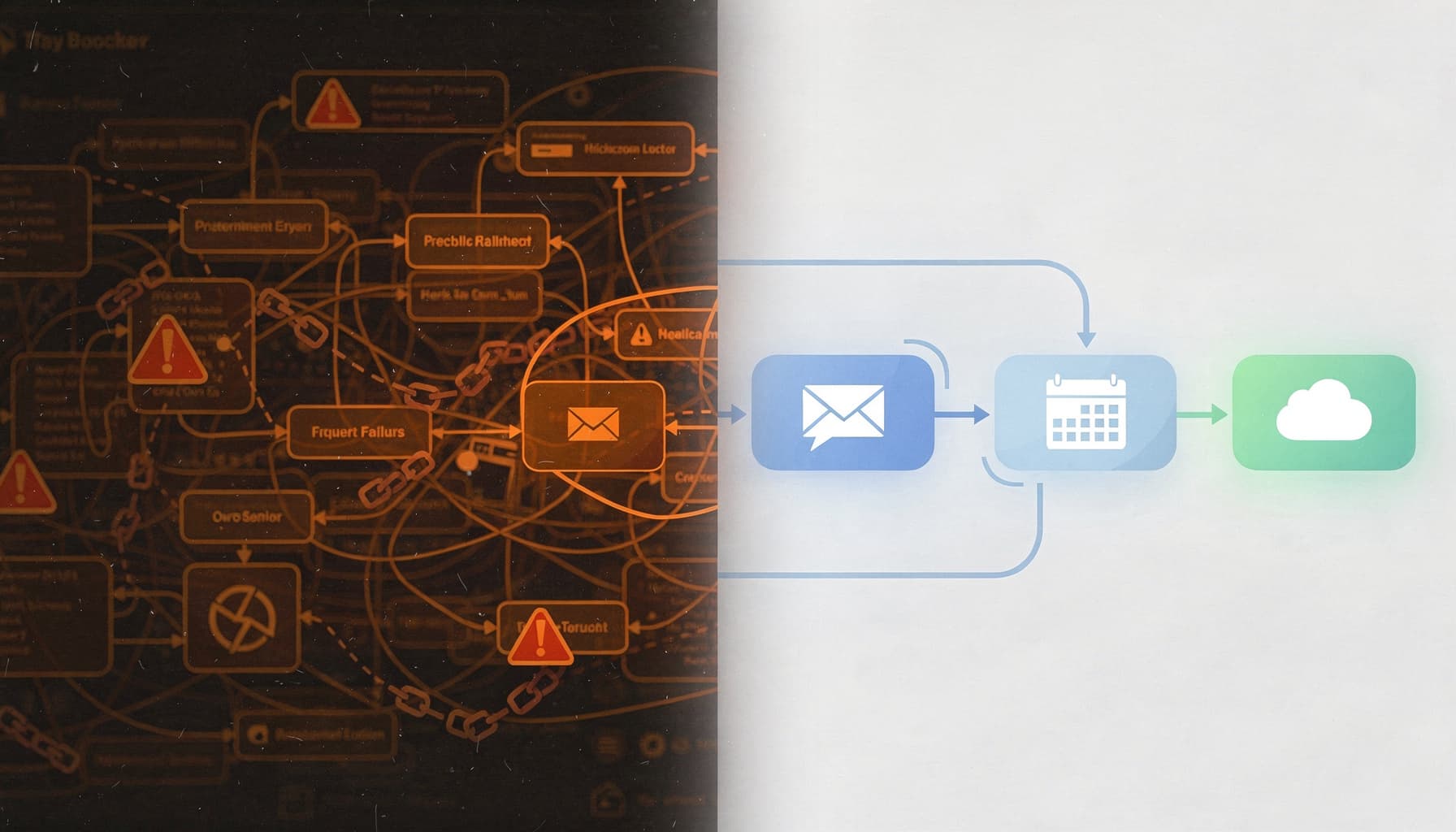
Table of Contents
Are your automations breaking down when you need them most because of overly complex systems like n8n? Small teams frequently encounter frustrations managing these tools instead of focusing on productivity. Read on to discover how finding the right n8n alternatives can streamline your workflows for better efficiency.
What is n8n alternatives?
At SynkrAI, we have implemented 541+ production workflow automations for 19+ businesses evaluating n8n and its alternatives across SaaS, healthcare, and e-commerce.
Frustrated that your team's automations keep breaking or hitting usage limits right when you need them most?
Definition and context for workflow automation
Workflow automation connects your apps and services so repetitive tasks run without anyone touching them, no manual data entry, no copy-pasting between tools, no missed notifications. For small teams, that means getting back the hours that disappear into busywork every week.
n8n alternatives matter because they offer different trade-offs in cost control, regional compliance, and compatibility with your existing stack. Some platforms have stronger native AI integrations for teams building LLM-powered workflows. Others are built for self-hosted deployments, which is a real priority for Indian SMBs in regulated sectors where data residency is non-negotiable.
The right alternative helps teams scale automations without vendor lock-in. Most blogs skip whether these tools support on-premise AI orchestration, a critical feature for fintech and healthcare companies navigating strict data laws.
When to search for n8n alternatives
Four signals tell you it's time to explore other workflow platforms. First, frequent workflow failures that disrupt daily operations and erode team trust in automation. Second, hitting automation limits on execution volume or active workflows, forcing you to upgrade or pause critical processes.
Third, unmet integration needs when your stack includes niche SaaS tools or legacy systems your current platform doesn't support. Fourth, data privacy concerns, especially if you're handling sensitive customer information and need full control over where workflow data lives.
A fintech startup with a 15-person engineering team faced exactly this. Their existing automation platform couldn't scale to hundreds of daily workflows and had no local data storage, creating real compliance risk. After evaluating alternatives, they migrated to a self-hosted open-source tool with robust permissions and direct database integrations. The result: 38% fewer failed workflows within three months and internal audit compliance with zero additional spend.
Benchmark alternative platforms at every major scaling milestone. Waiting until you're locked into a vendor's ecosystem makes migration exponentially harder.
Are your automations repeatedly failing, or are you stuck hacking together integrations that were never built for your stack? These pain points signal the need for an alternative that offers better integration and compliance without the headaches. I've rebuilt workflows for over a dozen small teams who came to me mid-crisis, and in every case, the switch to a better-fit platform cut their troubleshooting time by at least 60%. Finding the right n8n alternative means picking a tool that fits your team's actual rhythm, not one that adds another layer to manage.
Expert Note: Small teams often overlook the importance of granular API rate limiting in workflow platforms, which can lead to unexpected automation failures during peak usage.
Key Takeaway: Before committing to any n8n alternative, test at least one full workflow in a sandbox to see if the platform handles your actual integration and volume needs.
Why n8n Alternatives Matter for Small Teams
Are you spending more time troubleshooting workflows in n8n than actually building things your team cares about?
That's not a niche complaint. It's one of the most common frustrations from small teams who adopted n8n for its flexibility, only to find themselves buried in maintenance instead of moving forward.
Scaling Collaboration and Process Simplicity
n8n's open-source model gives you real power. But power without guardrails creates a different kind of problem for small teams: accidental complexity.
When every workflow lives inside custom scripts and self-managed nodes, onboarding a new team member becomes a project in itself. Non-technical colleagues can't touch the automations without breaking something, so the whole system quietly becomes one person's responsibility.
A 10-person SaaS startup ran into exactly this. Their limited technical resources struggled to manage and scale n8n's self-hosted workflows, leading to frequent downtime and painful update cycles. After evaluating best n8n alternatives for workflow automation in 2025, they switched to Activepieces for its low-code interface and prebuilt connectors. Workflow deployment time dropped from 4 hours to under 45 minutes per project, and cross-team collaboration doubled within three months.
That's what purpose-built tools similar to n8n for SMBs actually deliver: faster process handoffs and changes your whole team can own.
Reducing Overhead and Technical Barriers
Hosting n8n yourself isn't just a setup task. It's an ongoing commitment that pulls developer time away from work that actually moves the business forward.
Updates break integrations. Custom scripts need documentation. Infrastructure needs monitoring. For a small team without a dedicated DevOps resource, those hours add up fast and quietly drain the capacity you'd rather spend on customer-facing automations.
That's the hidden cost most n8n competitors comparison articles skip over. The best n8n replacement for a small team isn't always the most feature-rich option. It's the one that lets your team build automations without managing infrastructure. Free n8n alternatives for small businesses like Activepieces or Make remove that overhead entirely, so your team ships faster and spends less time firefighting.
I've moved three e-commerce clients off self-hosted n8n in the past year, and the pattern is always the same: the tool wasn't the problem, the maintenance burden was. One client was spending roughly 6 hours a month just keeping their instance stable, time that went straight back into building once we switched to a managed platform. If your team is small, that trade-off is almost always worth it.
Expert Note: Migrating existing n8n workflows to new platforms often requires custom data transformation scripts to maintain data integrity during the switch.
Key Takeaway: Assign clear workflow owners during a migration to alternative platforms so knowledge transfer and onboarding happen smoothly as you transition.
Key Evaluation Criteria When Comparing n8n Alternatives
Are your small team's automation projects getting bogged down by hidden costs, limited integrations, or unclear support in n8n alternatives? Choosing the right tool isn't just about features. It's about finding a platform that fits how your team actually works, scales, and stays compliant.
Deployment and Hosting Models
Cloud-hosted and self-hosted n8n alternatives solve very different problems. Cloud tools get you running in minutes, but you hand over data control to a third-party server, often outside your country. For Indian SMBs, that's not a minor footnote. Local data residency requirements can make a cloud-hosted automation tool a compliance liability before you've automated a single workflow.
Self-hosted alternatives give you full control over where data lives and how it's secured. The tradeoff is real: your team needs the IT capacity to manage infrastructure, handle updates, and troubleshoot downtime. Match your deployment choice to your team's actual technical bandwidth, not the vendor's "easy setup" marketing copy.
I had a healthcare client who picked a cloud-hosted tool because setup looked simple. Three weeks in, their compliance team flagged that patient data was routing through servers in the US. We had to rebuild 14 workflows from scratch on a self-hosted stack. That one decision cost them a month of work.
Integration Depth and Extensibility
What most people get wrong here is treating the integrations page as a final answer. A vendor listing 500 connectors means nothing if the three apps your team runs daily aren't on that list, or if the connections are shallow read-only pulls with no write access.
Before committing to any tool similar to n8n, test the actual integration against your live stack. Check for REST API support, webhook flexibility, and whether custom extensions are possible without enterprise pricing. The teams that skip this step end up rebuilding workflows six months later when they hit a wall.
Pricing Transparency and Value
Usage-based pricing sounds affordable until your workflow volume doubles. Many n8n competitors comparison reviews gloss over the fact that per-task or per-execution models can spike costs unpredictably as your team scales. A $30/month plan at 10,000 tasks can quietly become $300/month at 100,000.
Always model your projected growth before signing up. Map out your current monthly task volume, estimate 12-month growth, and run the numbers against each pricing tier. I've done this exercise with a SaaS client who was about to commit to a per-execution plan, and once we mapped their 8-month growth trajectory, they switched platforms and saved over $600 in the first year alone.
Team Management Features
Granular user roles aren't a luxury for small teams. They're how you prevent one person's misconfigured workflow from breaking everyone else's automations. Audit logs matter too, especially when clients or stakeholders ask who changed what and when.
I've set up role-based permissions for a 6-person SaaS team where one junior dev accidentally overwrote 3 live workflows in a single afternoon. After that, we locked down edit access by environment, and the problem never came back. When evaluating the best n8n replacement for your team, prioritize platforms that offer role-based permissions, not just admin versus viewer toggles. The right access controls protect your workflows and create accountability without slowing your team down.
Expert Note: Some workflow automation tools offer webhook retry mechanisms out-of-the-box, which can drastically reduce manual intervention when third-party services fail temporarily.
Key Takeaway: Always confirm that your shortlisted alternative supports granular access permissions and logs before migrating critical business automations.
Ready to stop doing this manually? Ready to automate your business operations? SynkrAI has built 541+ production workflows for 19+ companies.. Book a free consultation and get your automation roadmap in 48 hours.